
The XTV Android App is a fantastic video player that lets you watch Live TV, Movies, and Series on many different devices. It works on all Android devices and Android TV Boxes.
Here’s how to install the XTV Android App on your Android TV Box:
Download the App: Go to the Google Play Store on your TV Box and search for "Downloader by AFTVNews." Install this app. Image below ...

Enter the Link: Open the app and enter this link: https://tinyurl.com/yc3d35bn into the URL field. This link will take you to the app or file you need to download. Image below ...
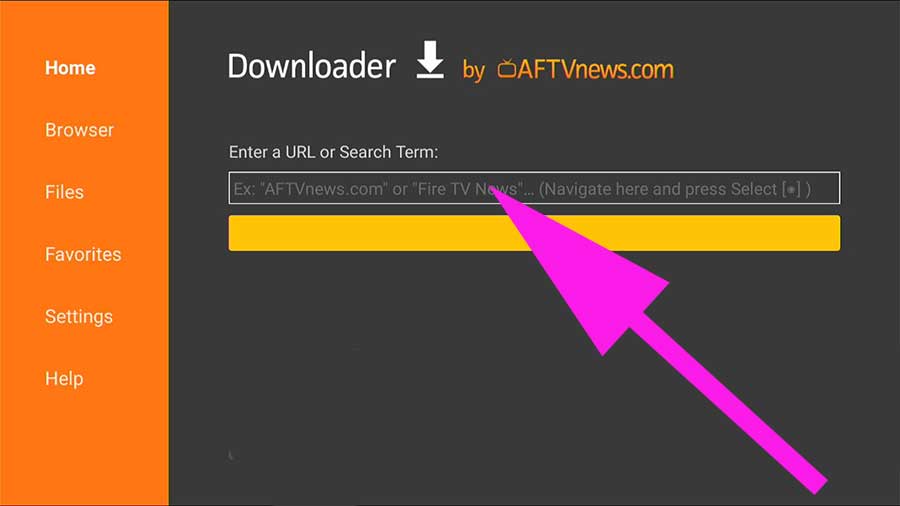
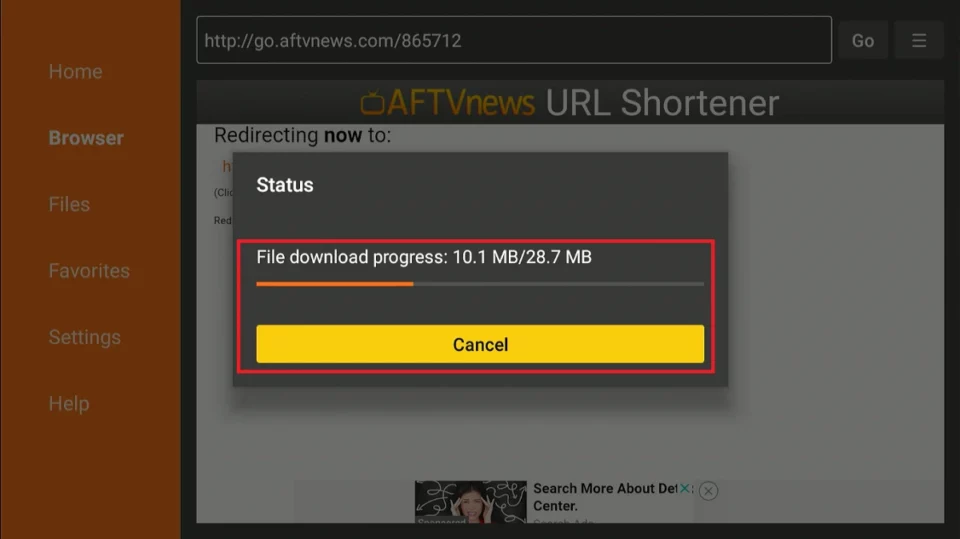
Install the App: Follow the on-screen instructions to download and install the app. Once it’s installed, you’ll be able to access the XTV Android App from your TV Box. Image below ...
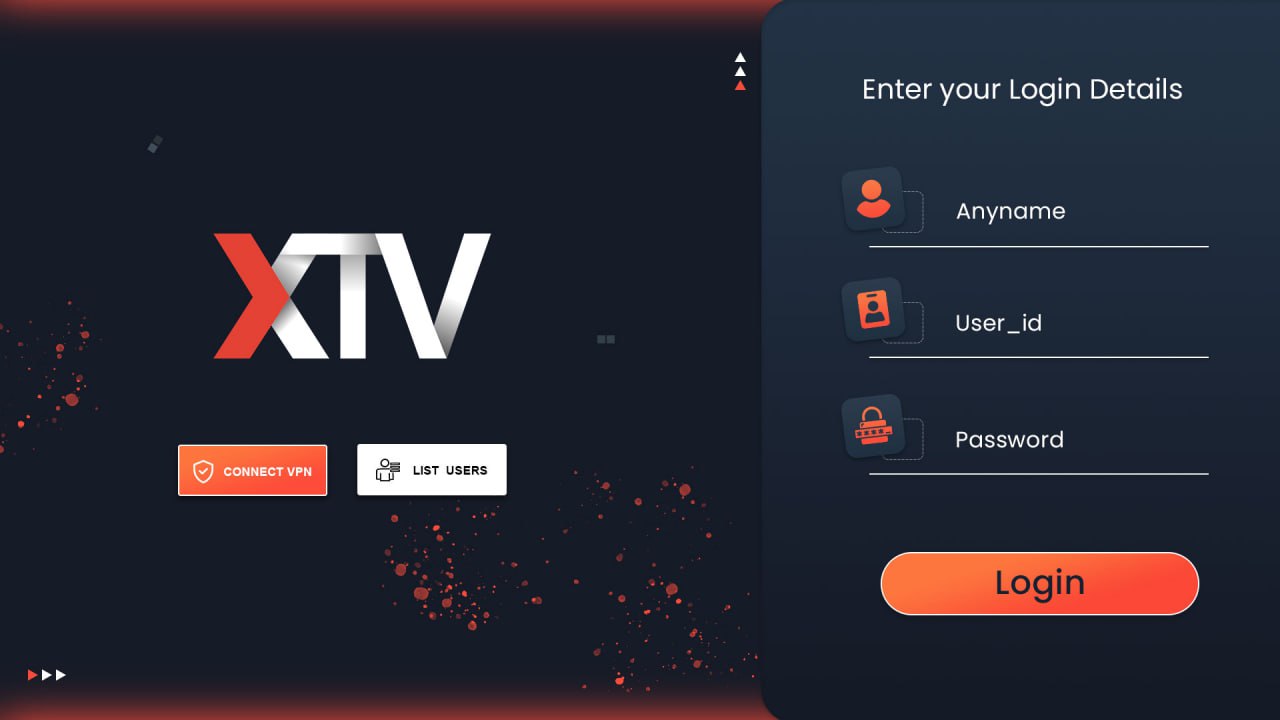
Login to XTV Android App: Use your service login credentials to login to the XTV Android App. If you don't have a subscription yet, please click here! Image below ...
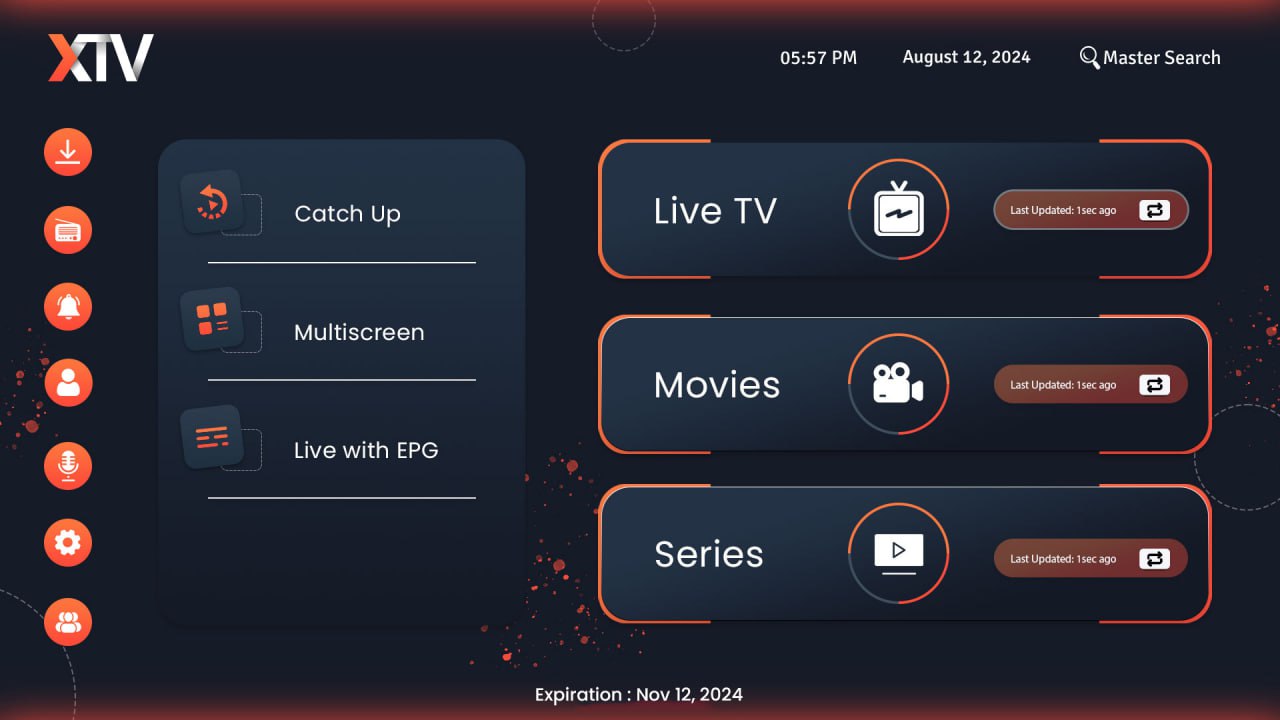
Click Update: Click on the update images appearing next to "Live TV," "Movies, "and "Series" to update your bouquet. Image below ...
Complete: You are done. Enjoy watching your favourite shows, sports, news, series, Etc. on XTV.
If you need any more help with the setup, feel free to reach out!
XTV | Support Team